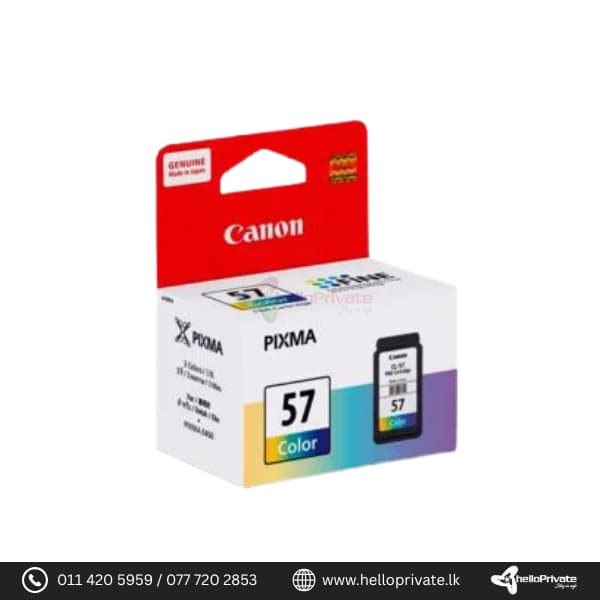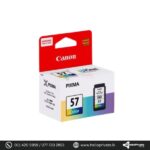



Canon PG 57 Cartridge

SKU: CSN0111
Colour Tri Colour
Page Yield 300 Pages
ml 13 ml
Compatible Printer CANON PIXMA E3170/E3177/E400/E410/E417 /E460/E470/E477/480

Buy More, Save Bigger!

Exclusive Wholesale Deals – Grab Them Before They're Gone!

Price range: රු4,300.00 through රු5,500.00

Add to Quote
158 People watching this product now!
  • Pick up from the Hello private

To pick up today

Free

  • Courier delivery

Our courier will deliver to the specified address

2-3 Days

350

  • DHL Courier delivery

DHL courier will deliver to the specified address

2-3 Days

560

Payment Methods:

Description

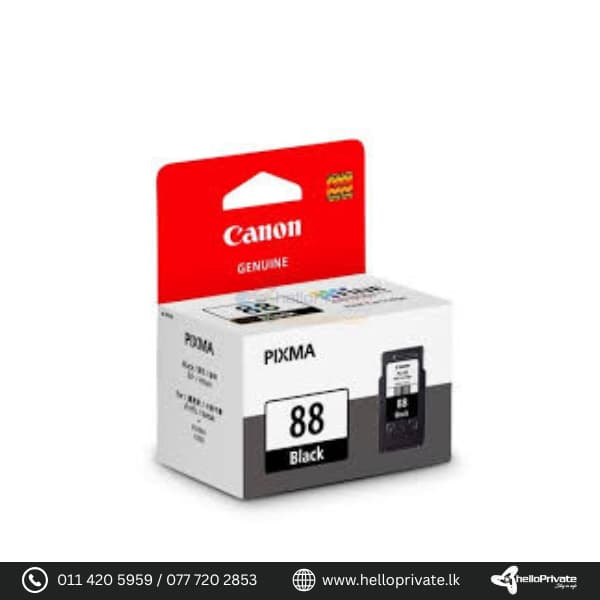
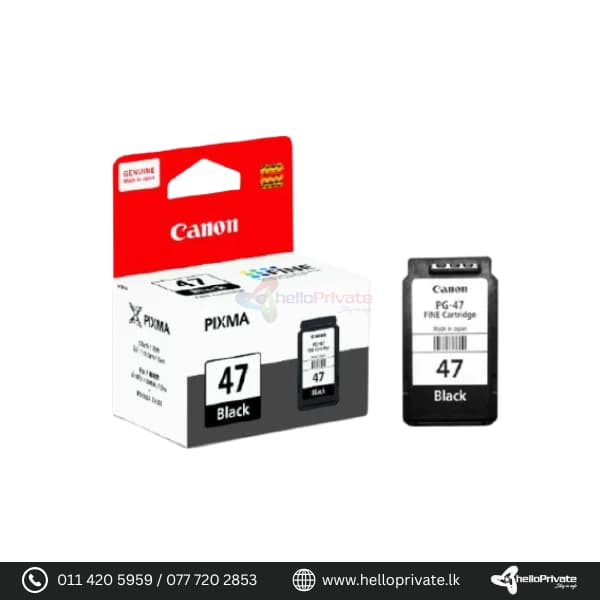
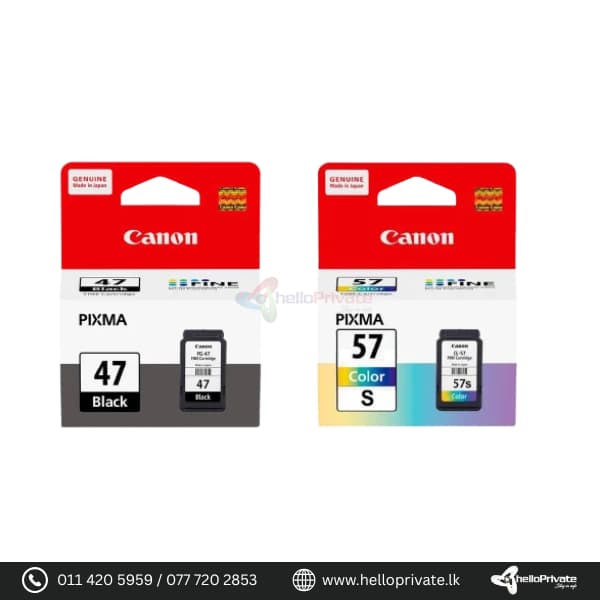
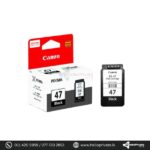
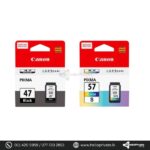
Canon PG 57 Cartridge and PG-47 Cartridges

Overview

The Canon PG-57 and PG-47 cartridges are designed to provide high-quality prints with exceptional reliability. Whether you need vibrant color prints or sharp black text, these cartridges are perfect for a variety of printing needs. Compatible with multiple Canon PIXMA models, they offer an easy and efficient solution for both home and office printing.

PG-57 Cartridge

Feature Details
Color Color Ink
Page Yield Up to 300 pages
Ink Capacity 13ml
Compatible Models CANON PIXMA E3170/E3177/E400/E410/E417/E460/E470/E477/E480

PG-47 Cartridge

Feature Details
Color Black Ink
Ink Type Pigment Ink
Page Yield Up to 400 pages
Ink Capacity 15ml
Compatible Models CANON PIXMA E3170/E3177/E400/E410/E417/E460/E470/E477/E480

Usage Instructions

For optimal performance, follow these steps when using your Canon PG-57 or PG-47 cartridge:

  1. Ensure your printer is powered on and open the front cover.
  2. Remove the old cartridge by gently pushing it down and pulling it out.
  3. Unpack the new cartridge and remove any protective tapes.
  4. Insert the new cartridge into the corresponding slot until it clicks into place.
  5. Close the front cover and run a test print to ensure proper installation.

FAQs

Q: How do I know when to replace my cartridge?

A: You may notice faded prints or receive a low ink warning from your printer. These are indications that it’s time to replace your cartridge.

Q: Can I use these cartridges with other printer models?

A: These cartridges are specifically designed for the compatible Canon PIXMA models listed in the specifications. Using them with other models may result in improper performance.

Q: How should I store my cartridges?

A: Store cartridges in a cool, dry place, away from direct sunlight and extreme temperatures to maintain their quality.

Q: What should I do if my printer doesn’t recognize the new cartridge?

A: Make sure the cartridge is properly installed and all protective tapes are removed. If the issue persists, try restarting your printer or consulting the user manual for troubleshooting steps.

Specification

Overview

Size

Small

,

XL

Processor

Size

Small

,

XL

Display

Size

Small

,

XL

RAM

Size

Small

,

XL

Storage

Size

Small

,

XL

Video Card

Size

Small

,

XL

Connectivity

Size

Small

,

XL

Features

Size

Small

,

XL

Battery

Size

Small

,

XL

General

Size

Small

,

XL

Customer Reviews

0 reviews
0
0
0
0
0

There are no reviews yet.

Be the first to review “Canon PG 57 Cartridge”

Your email address will not be published. Required fields are marked *

1 2 3 4 5
1 2 3 4 5
1 2 3 4 5

You have to be logged in to be able to add photos to your review.